Daily tracking
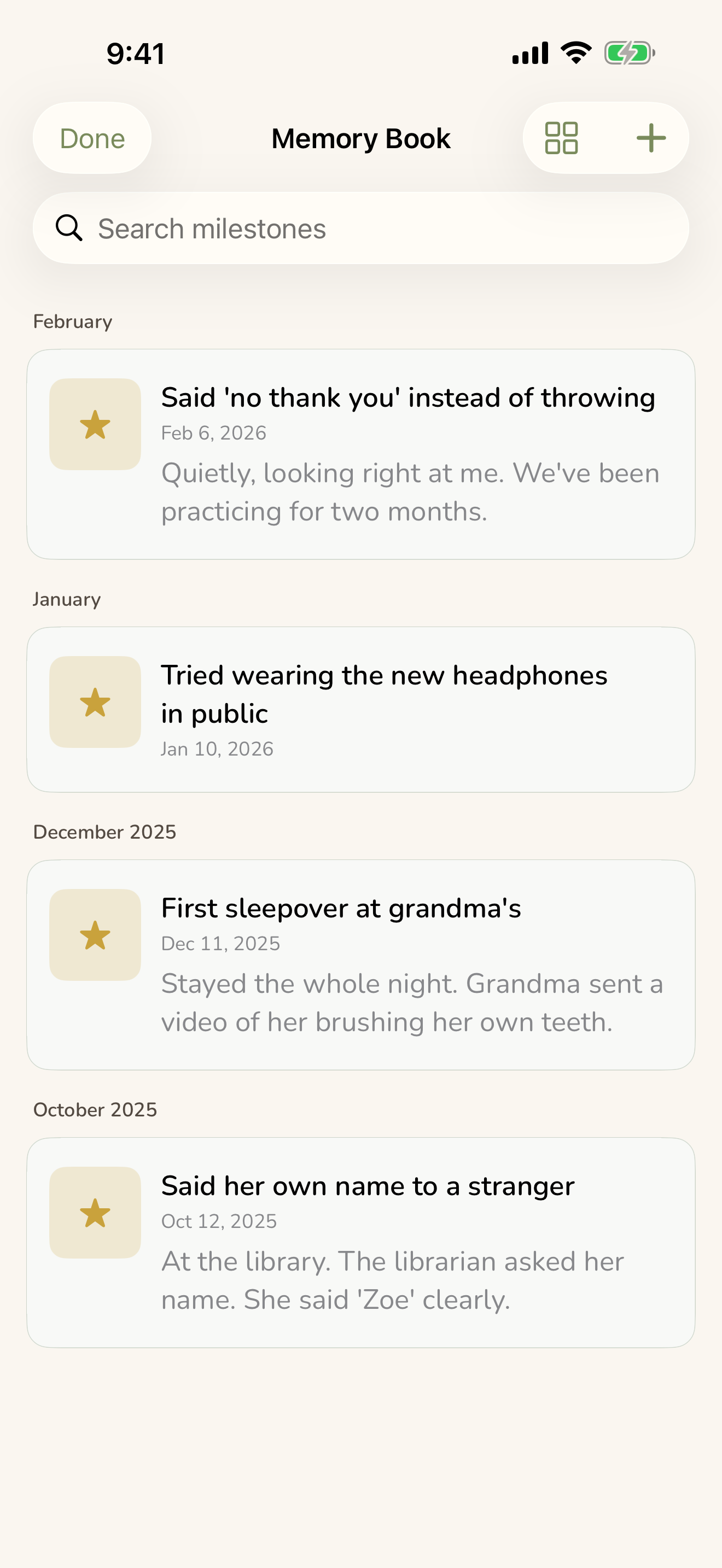
These are the logs you reach for most, the small things you note dozens of times a day. Each one is built to be fast to add and easy to look back on. None of it asks you to be clinical. You jot what happened, and over time the app helps you see the patterns underneath.
On this page
Everything here stays on your device. Look back at a single day on the Home screen, or search across all of it with Search & Ask CareHaven.
The timeline (your day at a glance)
The timeline is the heart of CareHaven, a running list of everything that happened for the person you care for, in order. Medications, wins, behaviors, triggers, and health notes all land here together. Available
To add something, tap the central + button on the bottom bar, choose a type, write your note, and save. Tap any entry to open it for full detail, inline editing, or delete. You can attach a photo to any entry, useful for documenting a rash, an injury, or wound healing. Photos stay on your device and are only shared if you choose to include them in an export.
Quick Note
When you just need to capture a moment, the quick note types let you do it in seconds, no separate screen to learn. Available
The types are:
- Mood — a general wellbeing note
- Behavior — links into the behavior log
- Win — positive moments and breakthroughs
- Trigger — what caused a difficult moment
- Health — symptoms, illness notes, observations
A small idea that pays off: use the Win type generously throughout the day. The Growth view will show a rising "Positive Wins" line, and on a hard week, that list reminds you how much progress is actually happening.
Feeding
The feeding log tracks what was offered and how it went, without judgment or pressure. You decide what, when, and where; the person decides whether and how much. Available
Type a food name (autocomplete suggests common foods as you go), enter the amount, and pick a response:
- Accepted — ate it. Any amount counts.
- Explored — touched, smelled, licked, or held it. This is real progress in food-chaining work.
- Refused — would not engage.
If a food was refused or explored, you can add a sensory reason (texture, smell, temperature, sound, appearance). On a new entry, the app gently pre-fills from yesterday's same-time pattern so there's less to type. Over a few weeks, logging exploration and sensory reasons consistently gives a feeding therapist (an SLP) the kind of specifics that shape a real plan.
For young infants, you can turn on bottle tracking, and a separate pumping log is available if you need it.
Potty
A quick log for continence, accidents, and toilet-training progress. Each entry records wet, BM, or a dry check, plus a note and time. Available
The notes field is where the useful detail lives, consistency, color, skin condition, any sign of discomfort. For a child with a GI condition, that turns into a diary a gastroenterologist genuinely finds useful. If you're working toward toilet training, logging dry checks at intervals first shows you the natural window when the child is most reliably dry.
Behavior (with gentle ABC notes)
The behavior log treats behavior as data, not judgment. You log what you see, in a few kinds, stims, tantrums or meltdowns, and positive behaviors among them, with a short description and time. Available
To go deeper on a tough moment, an entry can hold the ABC picture: what happened right before, what the person did, what happened after, and what helped. Looking at all three parts is how triggers and patterns become visible. After you've logged a couple of behaviors, a quiet "help me understand today's patterns" option appears that hands the question to Ask CareHaven, with all identifying information stripped first.
A worthwhile habit: log stims as neutral facts and aim for several positive entries for every difficult one. It isn't denial, it's building an accurate picture.
Behavior Insights
When it notices something worth a gentle word, Behavior Insights reads back across your own logs and offers up to three quiet, observational nudges, never alarms, never advice. Available
They might tell you regulation has been running low lately (and point you to your saved crisis plan and what's helped before), that behaviors have picked up this week, or that a particular strategy keeps being followed by calmer check-ins. The thresholds are your own, the levels you set when you check in, and nothing is sent off the device to produce them. Each nudge is just a shortcut to the thing that helps. Follow the one that fits the moment; ignore the rest.
Regulation check-in
A quick read on how regulated the person is right now, on a five-step scale from calm to crisis. It sits at the top of the day view. Available
Tap Check In, choose one of the five levels, and optionally add a short note ("wound up after the bus ride"). The last level and time stay on the bar. You can also log it from your Apple Watch.
Log it at the same few moments each day, home from school, after dinner, before bed, and after a few weeks reliable patterns show up. "She's almost always tense by Thursday evening" is real data you can bring to a therapist or school team. If you share shifts, logging regulation at handoff time tells the next caregiver exactly what state the person is in, no long briefing needed.
Sleep
Log bedtime, how long it took to fall asleep, night wakings, wake time, and an overall quality rating. A seven-night chart shows the trend at a glance. Available
Sleep quality quietly shapes mood, focus, and how well medication works, so a four-week sleep log is something worth bringing to a psychiatry appointment. "He's been averaging 3 out of 5 for six weeks" tells a clinician far more than "he doesn't sleep well." Comparing the sleep trend against the behavior log often reveals a correlation, more difficult days after poor nights, that can genuinely change clinical decisions.
Seizure (with a live stopwatch)
Built for the moment a seizure happens, minimal taps, maximum data. Pick the type, tap Start Timer when it begins, and Stop when it ends so the duration is captured precisely. There's a five-minute "consider 911" warning, and the running timer shows up on your Lock Screen and Dynamic Island so you can stay with your person instead of staring at the app. Available
Afterward you can add post-seizure notes and mark whether rescue medication was given or 911 was called. The whole history exports as a clean PDF for a neurology appointment.
This is just the quick version. For a step-by-step, see Walkthrough: Log a seizure with the timer. For rescue-med plans, first aid, and what counts as an emergency, see Safety & crisis plans.
Cycle
A private, discreet cycle log for female care recipients, flow heaviness and product used. It only appears when the person's profile is set to female, and it can be hidden in Settings if it isn't relevant. Available
For many neurodivergent girls and women, dysregulation, meltdowns, and anxiety rise in the days before a period. Logging cycles consistently and comparing against the behavior log can make that pattern unmistakable, and it's highly actionable for a care team.
Diary
A personal journal for the full story behind the data, longer entries, photos, and a private toggle. This is where you write what the logs can't hold. Available
Write a title and the entry, attach a photo if you like, and toggle Private if it should never appear in a shared report. Private entries are yours alone and excluded from every export, use them for the hard days you just need to get down. Shared entries can ride along in a handoff. A dated diary entry after a breakthrough or a conflict at school also becomes powerful evidence at an IEP meeting. CareHaven can even draft a diary entry from the day's events to get you started.
Routines
A visual daily schedule of time-tagged steps with a completion tracker, predictable, visual, and calming. Available
Add each step with a time, an emoji icon, and a task name, then drag to reorder. During the day, tap the circle beside a step to mark it done; the progress bar updates as you go and completions reset at midnight. You can also swipe a routine row to mark the whole thing done in one motion, and a small streak chip appears once you've kept it going a couple of days in a row.
Before a respite worker or sitter arrives, the emoji-led routine maps the whole day for them without a long verbal briefing.
Preferred foods
A two-tier list of what the person eats safely and what's currently off the menu, especially valuable for ARFID, food allergies, sensory eaters, and post-procedure diet limits where one wrong choice means a refused meal or worse. Available
- Loves — the safe, reliable foods. The first place a new caregiver should look when meals turn into a fight.
- Avoid — items that trigger refusal, allergy, sensory overload, or a known reaction.
Each item can carry a reason and notes (sauce on the side, a specific brand). Preferred foods are bundled into the handoff packet so a substitute caregiver doesn't have to guess. A handy trick: photograph the package label for safe brands, so the wrong flavor never sneaks in.
Life changes
Big events shift behavior, a move, a new sibling, a hospitalization, a parent traveling, a pet passing. Logging the event lets you tell the difference between a real regression and a predictable reaction to a known disruption. Available
From the timeline, tap + Life Change, pick from a grid of common events or type your own, and set the start date (and an end date once it resolves, which moves it from Active to Past). Active life changes show up in the handoff packet so the incoming caregiver knows what's pressing on the person right now. They also feed the app's smart help so its read of a confusing week has the right context.
Log the event the day it starts. A behavior pattern that baffles you today often makes complete sense later, once it's paired with a life change you wrote down.
Looking for medications, vitals, or doctor visits? Those live in Medical. For goals, milestones, and the cue guide, see Advocacy & goals.