Privacy & security (in depth)
You are trusting CareHaven with the most sensitive details of your family's life — diagnoses, medications, seizures, hard days, hopes for the future. This page explains, in plain language, exactly how those details are protected. The short version: everything stays on your device, you decide if any of it ever leaves, and nothing is sold, tracked, or quietly collected.
On this page
- Your data lives on your device
- No account, no sign-in, no tracking
- Encrypted backups
- PIN and Face ID, with idle auto-lock
- Names are removed before any smart help
- Optional iCloud sync, through your own private iCloud
- Some sensitive plans stay out of your phone's system search
- Sending feedback (when it arrives)
If you want the gentle one-paragraph version instead, read Privacy comes first.
Your data lives on your device
CareHaven keeps your care records — logs, photos, transcripts, notes, voice dictation, everything — in your iPhone or iPad's own private storage. There is no CareHaven server holding your family's information. The app works fully offline.
Because the data is on your device, nobody at CareHaven can read it. There is no admin panel, no support team that can "look something up" in your account, no database we could be asked to hand over. What you enter is yours.
Available
No account, no sign-in, no tracking
You never make a CareHaven account. There is no email-and-password to create, no login screen, no profile on a website somewhere. You open the app and start using it.
CareHaven also does not track you. It uses no third-party advertising or analytics tools, and it does not follow you across other apps or websites. The app's privacy declaration to Apple is the simplest one possible: data not collected, tracking none.
Available
Encrypted backups
You can save a complete backup of everything in CareHaven to a single file. That file is locked with strong encryption (AES-256-GCM) using a backup password you choose. Without that password, the file is unreadable — even to you, so keep the password somewhere safe.
You can back up by hand whenever you like, or set up an automatic schedule so a fresh backup is made for you. A backup made on your iPhone can be restored to your iPad or another device, which makes moving to a new phone straightforward.
A good habit: keep one backup in cloud storage and one somewhere else, like an external drive. Cloud-only is one bad day away from full loss; one copy in two places is much safer.
For the step-by-step, see Back up & restore your data.
Available
PIN and Face ID, with idle auto-lock
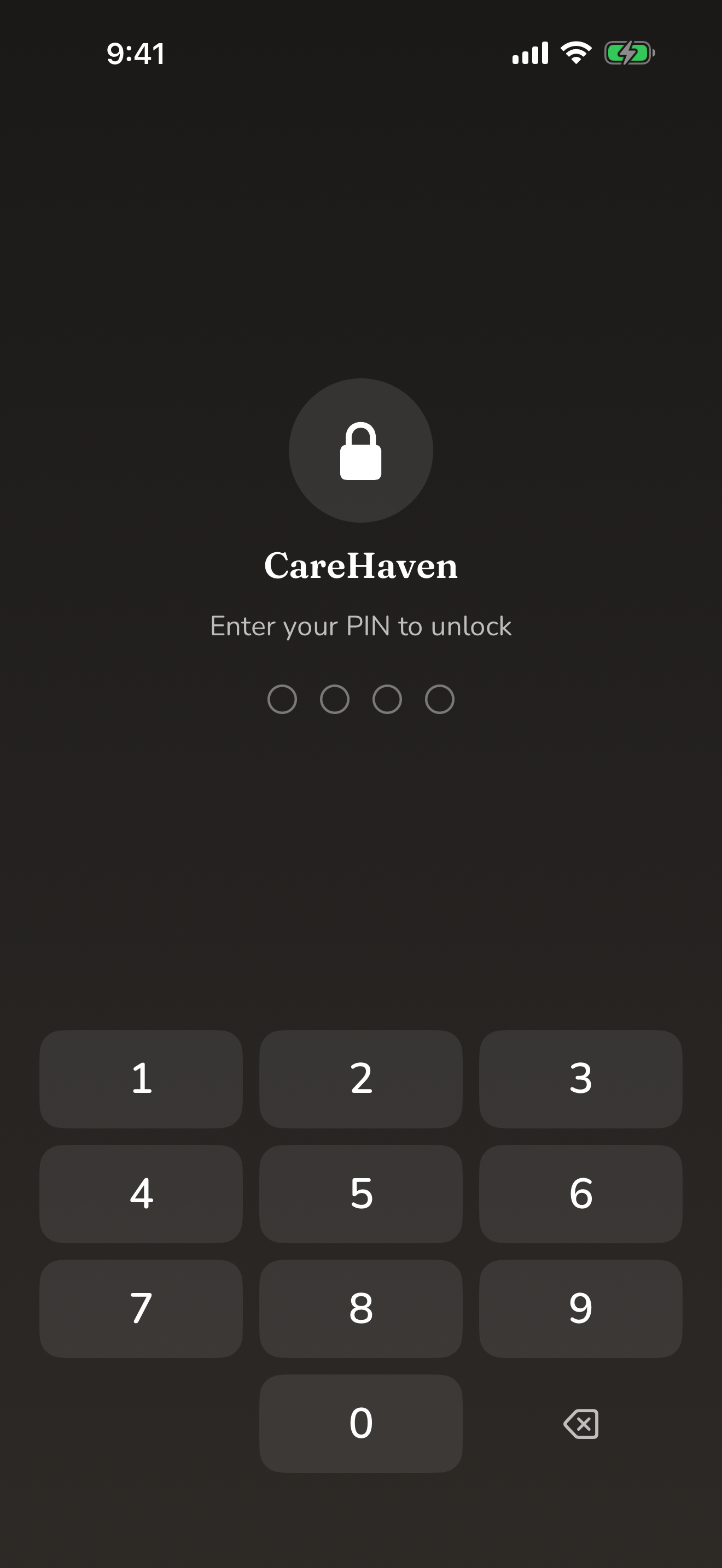
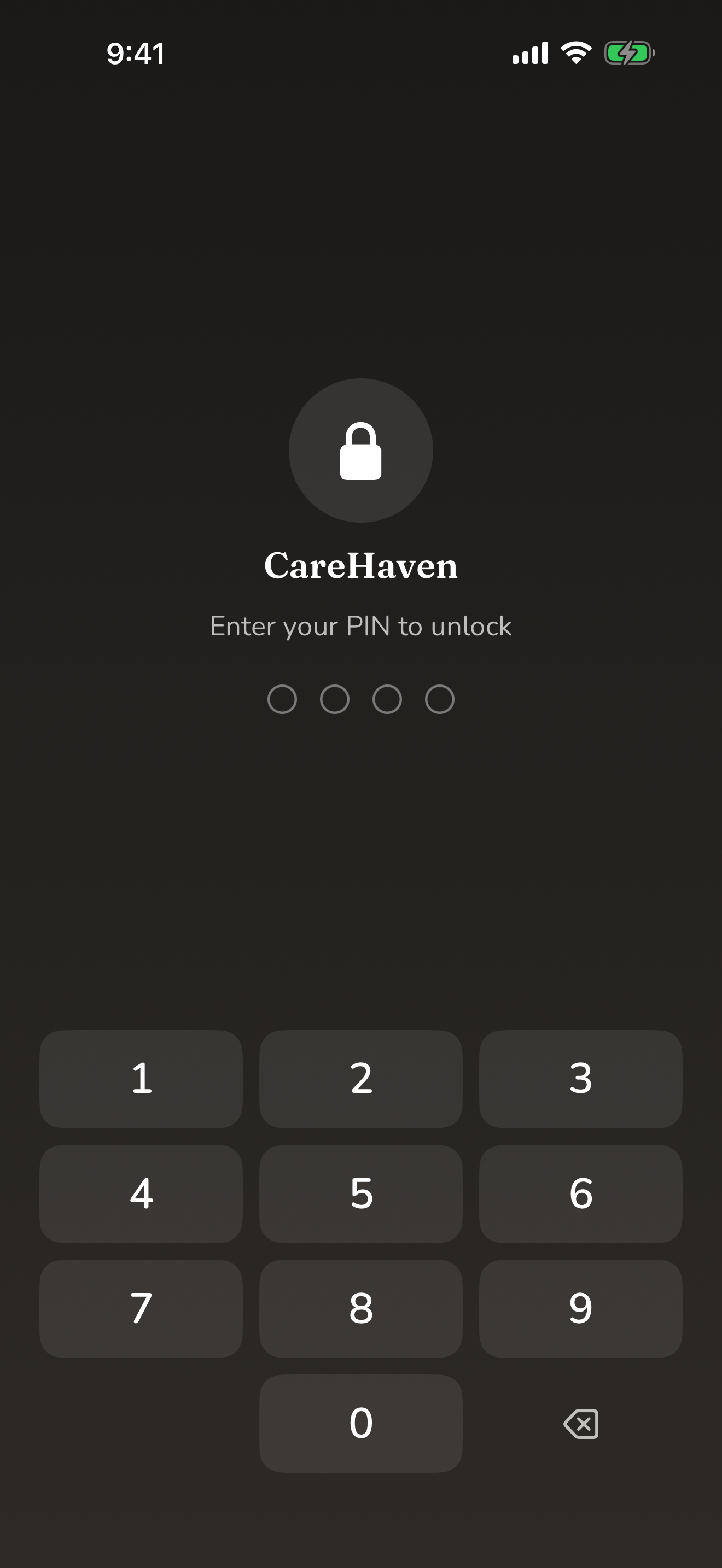
You can set a PIN to lock the app. Once a PIN is set, the lock screen appears when you open CareHaven and after it has been in the background. This is genuinely useful when the phone might be seen by others — a clinic waiting room, a school meeting, a busy kitchen.
When you have a PIN set, you can also unlock with Face ID, so getting back in is quick for you while staying closed to everyone else.
CareHaven adds an idle auto-lock on top of this. After a stretch of inactivity it re-locks itself, and you can choose how long that stretch is — from immediate, through a few minutes, up to never. You set the PIN, change it, or remove it whenever you want.
Available
Names are removed before any smart help
Some of CareHaven's smart help features can answer free-form questions or draft text for you. CareHaven always tries to do this work right on your device first.
When a question does need to reach a cloud service to be answered, CareHaven strips the names out first, on your device, before anything is sent. The service never receives your person's name or identifying details — only the cleaned-up question. Nothing about who you care for, and no timestamps or care history, travel with it. You can also turn the smart features off entirely, and then nothing leaves your device for them at all.
You can see this for yourself: Search & Ask CareHaven shows a small badge telling you whether an answer came from your device or from a cloud service.
Available
Optional iCloud sync, through your own private iCloud
iCloud sync is off until you choose to turn it on. When you do, it can do two things, both optional.
First, it keeps your own devices in step — your iPhone and iPad showing the same care records — through your own private iCloud.
Second, it lets you share specific profiles with another trusted caregiver so you can both keep the log current. You pick exactly which sections to share; the rest stays private to you. There is no CareHaven server anywhere in the path, and CareHaven (the people who make the app) cannot read your synced data. Your records ride only through your own private iCloud, protected by Apple's encryption in transit and at rest. Apple is the conduit that carries the data; if you want true end-to-end encryption — where not even Apple can read it — you can turn on Apple's Advanced Data Protection in your iCloud settings. You can revoke a co-caregiver's access at any time.
For the full picture, see Sharing care with others (sync).
Available
Some sensitive plans stay out of your phone's system search
Your iPhone's own search can find many things inside CareHaven, which is handy. But the most sensitive items — like your Letter of Intent, your crisis plans, and the Health & Communication Passport — are deliberately kept out of the system-wide search. They open only inside the app, behind the app lock. So even if someone picks up your phone and searches, those plans do not surface.
Available
Sending feedback (when it arrives)
A built-in way to send feedback directly from the app is finished and on its way, but it is intentionally turned off in the current beta, so you will not see it yet. When it does arrive, it will be fully opt-in: you write the message, your message is run through name-removal on your device before it is sent, and only your app version and a rough device description (like "iPhone, iOS 26") ride along — never names, never care data, never a silent send.
In the meantime, your feedback matters and is easy to share. You can send it through TestFlight, or email shawn@getcarehaven.app directly. See Giving feedback.
Coming soon
Read-only reference updates
CareHaven can top up its built-in reference databases — things like state resources, help topics, crisis resources, and tips — between App Store releases, without sending anything about you. The app checks a small public manifest and downloads only reference JSON files that actually changed. Downloaded reference files are cached on your device, and if the request fails the app falls back to the last cached copy or the bundle that shipped inside the app.
This system is read-only and one-directional: helpful content comes down, nothing about your family goes up. It never uploads care data, profiles, logs, medications, appointments, shared care records, or identifiers.
Medication lookup and food/nutrition lookup still use their own live-or-cached lookup behavior, because those searches depend on the specific medicine or food you ask about.
Available
A quick recap
- Your care data lives on your device, not on a server.
- No account, no sign-in, no tracking, no data collection.
- Backups are locked with strong encryption and a password only you hold.
- A PIN, Face ID, and an idle auto-lock keep the app closed to others.
- Names are removed on your device before any cloud help is asked.
- iCloud sync is optional and fully under your control: no CareHaven server, CareHaven can't read it, and it rides only through your own private iCloud (with full end-to-end encryption if you turn on Apple's Advanced Data Protection).
- Reference updates download public app content only; your care records are never uploaded as part of that process.
For what is still being built across the app, see Known limitations & what's coming.